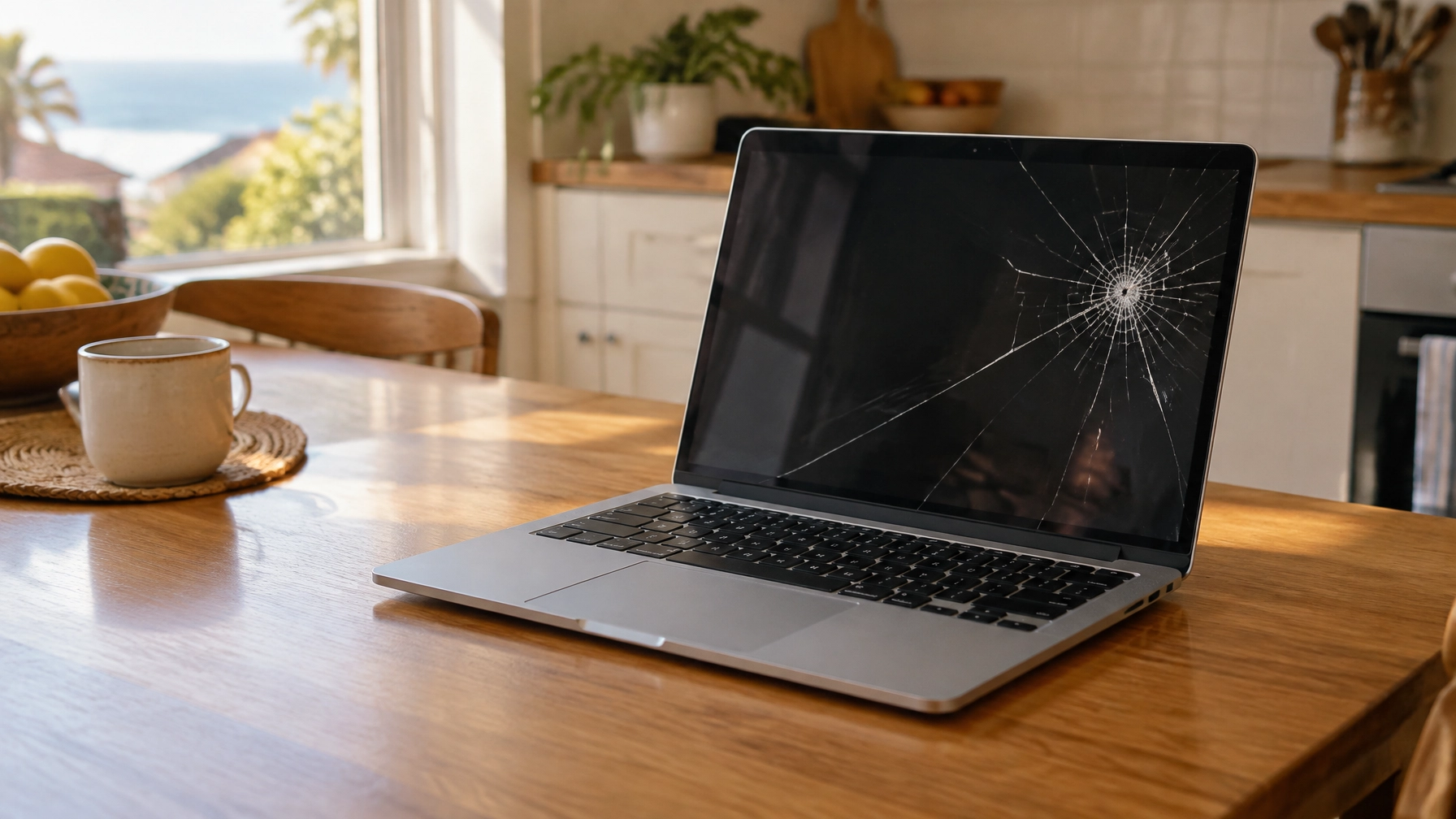
“My laptop screen is cracked. Is it worth fixing, or should I replace the whole computer?”
It depends on more than the crack. The laptop’s model, age, general condition and the cost of a replacement screen all matter. A screen repair can make good sense when the rest of the computer is working well. If other problems are building up, putting that money towards a replacement may be the better choice.
Here’s how to tell what might be wrong and what to consider before you decide.
What kind of laptop screen problem do you have?
A damaged screen does not always look the same. These symptoms can help you describe the problem, but they don’t confirm which part has failed.
| What you see | Possible cause | What it could mean |
|---|---|---|
| Cracks or dark patches after a drop | Broken display panel | The screen may need replacement; check for other damage too |
| Lines, flickering or changing colours | Screen, display cable or graphics fault | Further checks can help narrow it down |
| Black screen, but the laptop makes sounds or lights up | Screen, cable or another display fault | Try an external monitor |
| Very dim picture | Brightness setting, backlight or screen fault | Check brightness first, then investigate further |
| One or more dots that stay the same colour | Dead pixels or panel damage | The effect may be small or may interfere with everyday use |
If the screen cracked after a fall, avoid pressing on it. Pressure can spread the damage and may cause glass to break away.

How can you check whether it’s the screen or the graphics?
Connect the laptop to a separate monitor or TV using a suitable HDMI or USB-C connection. Select the right input on the monitor, then check whether the laptop’s picture appears there.
If the external display works normally, the computer is probably running and the problem is more likely to be the built-in screen or its connecting cable. If the external display also shows lines, flickers or stays black, the issue may be elsewhere, such as with the graphics hardware or the computer itself. A technician can investigate further.
This is a useful first check, not a definite diagnosis. Some laptops need a keyboard shortcut or display setting to send a picture to an external screen. If you’re unsure, don’t change settings you don’t recognise.
A dim display is also worth checking before arranging a repair. Turn up the brightness and restart the laptop. If the picture remains very faint, that may point to a screen or backlight issue.
What does laptop screen repair involve?
In many cases, a cracked or faulty display is fixed by replacing the screen panel. The technician checks the laptop model and screen type, then confirms which part is needed. Depending on the laptop, the display may be a panel on its own or part of a larger assembly.
The model matters because screens are not all interchangeable. A touch display, high-resolution panel or a particular HP or Lenovo model may use a different part from another laptop that looks similar. The part cost can vary considerably by make and model, so a confirmed quote needs the exact model number.
You can usually find it on a label on the underside of the laptop, in the system information, or in the original paperwork. If you contact a repairer, share the full model number rather than just the brand. “HP laptop repair” or “Lenovo laptop repair” describes a broad range of computers, not the specific screen part required.
The repairer should also check whether the bezel, hinges, display cable or lid have been damaged. If the laptop has been dropped, ask for a check-over rather than assuming the screen is the only problem.
How much does laptop screen repair cost?
There isn’t one reliable price for every cracked laptop screen. The total depends on the laptop model, the screen part required and the labour involved. A proper quote needs the model number and an assessment of what has been damaged.
For more detail about what affects repair bills, see our guide to How Much Does Computer Repair Cost?.
At Mr IT, our rate is $187 per hour including GST, with no call-out fee. Within the first hour, we diagnose the issue and explain what further work would involve. We provide a clear quote before proceeding, and additional labour or parts only go ahead with your approval.
Is it worth fixing the laptop screen?
Start by looking at the whole laptop, not just the display. Ask yourself:
- How old is the laptop, and does it still meet your needs?
- Is it running at a speed you’re happy with?
- Does the battery last long enough for how you use it?
- Are the keyboard, charging port, hinges and other parts in good condition?
- What is the confirmed repair cost compared with a suitable replacement?
- Would a temporary external monitor work for you?
A screen repair is more likely to make sense when the laptop is otherwise reliable and the damage appears limited to the display. It may also be worth considering if you need a particular model or would otherwise have to spend more to replace it with a computer that suits your work.
Replacement may be the more practical choice when the laptop is already slow, has poor battery life, has hinge or keyboard damage, or needs other repairs as well. The combined cost can add up, even if the screen part alone seems manageable. We’ll consider the laptop’s age, condition, repair cost and how you use it before recommending a repair, upgrade or replacement.
There is no single age or price rule that applies to every laptop. A newer computer with several faults may be poor value to repair; an older one that still does everything you need may be worth keeping. The useful comparison is the confirmed repair cost against the cost of a replacement that actually suits your needs.

What if you dropped the laptop?
A drop can damage more than the display. It may affect the hinges, lid, battery or internal storage, even if the laptop still turns on.
Look for a bent lid, a hinge that feels unusually tight or loose, a case that no longer sits flat, or a change in how the laptop starts. If the computer makes unusual noises or you can’t access important files, avoid repeated attempts to restart it and get advice.
If you notice the base or trackpad bulging, stop using and charging the laptop. That can indicate a swollen battery, which needs proper attention. Don’t press the case flat or try to open the battery yourself.
Can you keep using a laptop with a cracked screen?
If the laptop still works, an external monitor can sometimes serve as a temporary workaround. It may suit you if the computer stays on a desk and the built-in display is the only problem. You’ll need a compatible connection, and the laptop may be less convenient to carry around.
Back up important files while the computer is working. If the crack is spreading, the display is flickering badly, or the laptop has other signs of damage, don’t rely on it as your only way to access important information.
When should you call a technician?
Get the laptop checked if:
- The screen is black, flickering or showing lines and basic checks haven’t helped.
- An external monitor also has a problem, or you’re unsure how to test one.
- The laptop was dropped and the lid, hinges or case look damaged.
- The screen is cracked and you need a quote for a specific model.
- You’re deciding between repair, replacement or using an external display.
Mr IT is based in South Melbourne and has helped more than 1,557 Australians since 2009. We visit homes and small offices across Melbourne for onsite support, and can help remotely with suitable software issues.
We explain problems in plain English and give honest advice about whether a repair makes financial sense. You can also learn more about our computer repairs in Melbourne and Wi-Fi and network support.
Visit mrit.tech to book computer repairs or tech support anywhere across Melbourne for your home or small office.
A screen that flickers while the machine also restarts is a different fault entirely, and what a blue screen of death means covers the stop code side of it.