
Is Your Computer Really Sick? Imagine you wake up with a stuffy nose and a big cough.
You know you’re getting sick, so you tell a grown-up right away.
But what about your computer? It can’t talk. It can’t tell you when it feels achy or has a tummy ache. So how do you know when it’s not feeling well?
Computers can get sick, just like we do.
Their sickness is called a “virus” or “malware.”
A computer virus is a naughty bit of code, like a tiny troublemaker, that sneaks inside your computer.
Once it’s in, it starts causing all sorts of problems. It can be very hard to notice at first because these viruses are designed to be sneaky.
But if you know the secret signs to look for, you can spot the trouble and get help before it turns into a big, digital mess.
Let’s become computer detectives and learn the secret clues that tell you your computer might have a cold!
Sign #1: It’s Moving Super, Super Slow
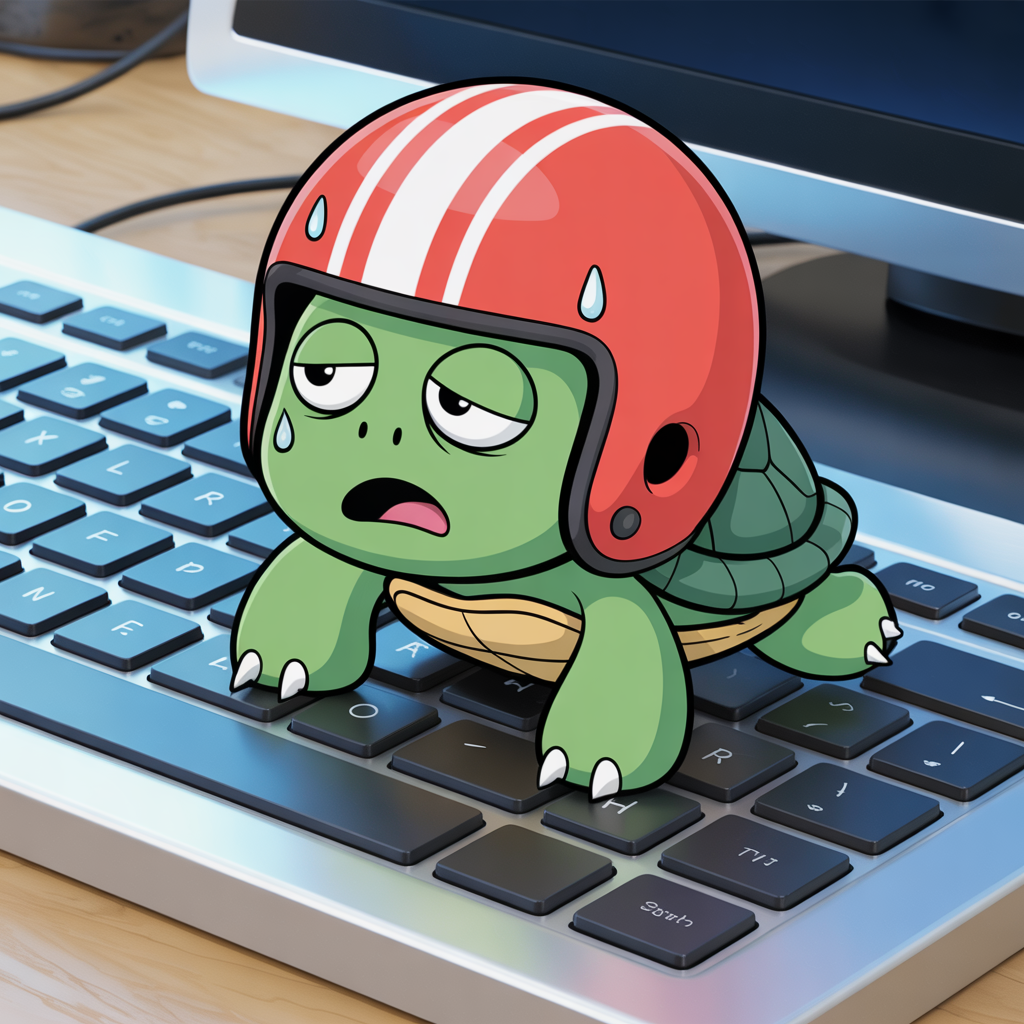
Your Computer is Moving Like a Turtle in Peanut Butter
Do you remember how fast and zippy your computer was when you first got it?
Clicking on something was instant! But now, does it take a long, long, long time for your favorite games, videos, or drawing programs to open? If your computer used to be a race car and now it’s a slow-motion turtle, it might be sick.
This is often the very first sign of a virus. But why does it happen? A virus loves to run secret jobs in the background that you can’t see.
While you’re waiting for your game to load, the virus is busy using up all the computer’s energy and brain power for its own naughty tasks.
It might be trying to solve a puzzle, send out spam emails, or look through your files.
It’s like trying to run a race while a sneaky monkey is clinging to your back—it’s going to slow you down!
Sign #2: Annoying Boxes Keep Popping Up
Pop-Ups That Appear and Won’t Go Away
Are you ever just browsing a website or playing a game when suddenly, little boxes or ads pop up on the screen? They might flash and say you’ve won a prize, or they might have a big warning that says your computer is in terrible danger.
These pop-ups are tricks. They are like a sneaky fisherman trying to get you to bite the hook.
They are designed to make you curious or scared so that you click on them without thinking.
But clicking on them is a trap! It can let even more bad guys (viruses) into your computer.
It’s very important that you don’t click anywhere inside these boxes, not even on the “X” to close them.
The best thing to do is to call a grown-up to help you get rid of them safely.
Sign #3: New Things You Didn’t Add
Mystery Programs and Icons Have Appeared

Take a look at your computer’s main screen, the desktop.
Do you see any new pictures or icons for programs that you don’t recognize? Sometimes, when you download a fun new game or a cool free program, a sneaky virus can hitch a ride and get installed at the same time.
It’s like ordering a delicious pepperoni pizza and finding out it came with slimy, yucky anchovies that you never, ever asked for! These extra, unwanted programs can be very bad.
Some of them are like little spies that watch everything you type, while others just exist to flood your screen with more annoying ads.
If you see a program you don’t recognize, don’t open it. Point it out to a grown-up!
Sign #4: The Internet is Acting Weird
Your Browser is Going to the Wrong Places
Does your internet browser have a mind of its own? Maybe you try to go to YouTube, but your computer takes you to a strange website you’ve never seen before.
Or maybe your homepage—the very first page that opens up—has changed to a weird search engine you don’t recognize.
When a virus gets in, it can mess with your internet settings.
It’s like a naughty puppy that grabs the leash during a walk and starts pulling you toward a muddy puddle instead of the park. The virus does this because it wants to lead you to “bad neighborhoods” on the internet.
These are unsafe websites where even more viruses live, just waiting to jump onto your computer.
A healthy computer should always be a good listener and take you exactly where you want to go online.
Sign #5: Your Computer’s Protector is Off
The Security Superhero Has Been Tied Up
Your computer has a very important program called an antivirus or security software.
Think of this program as a superhero, like Batman or Wonder Woman, whose main job is to stand guard and fight off any bad viruses that try to attack.
Sometimes, the first thing a really clever virus will do is try to turn this superhero protector off.
If you see a warning message that says your security is disabled, or if you try to open it and it won’t work, that’s a big red flag. It means the villain might have already won the first battle by tying up your hero.
On the other hand, if your security program is constantly sending you alerts, it means it’s in a big fight right now! Either way, it’s a clear sign that your computer is under attack and needs help immediately.
Why Does This Matter?
A computer virus isn’t just a small problem; it can be a really big one. Here’s what a bad virus can do:
- Steal Your Secrets: It can act like a thief and steal the passwords to your games, email, or school accounts. A password is like a secret key, and if a thief steals it, they can get into all your private stuff.
- Hold Your Files Hostage: Some of the worst viruses will lock up all of your precious files, like your family photos, your drawings, and your homework. They will then pop up a scary message demanding that you pay money to get them back. It’s like a bully taking your favorite toy and saying you have to give him your lunch money to get it back.
- Spread the Sickness: Just like you can spread a cold by sneezing on someone, a sick computer can spread its virus to other computers. It can send infected emails to your friends and family from your account, spreading the problem to everyone you know.
- Break the Computer: If a virus is left alone for too long, it can cause so much damage that the computer gets too “sick” to even turn on anymore.
What Should You Do? The Action Plan!
If you see any of these five clues, don’t panic! Being a good computer detective means knowing when to call for backup. Here’s what to do:
- Stop and Tell a Grown-Up: This is the most important step of all. Don’t try to fix it yourself. Immediately go and tell a parent, a grandparent, or an adult you trust that your computer is acting weird. They will know what to do next.
- Don’t Click on Anything Else: Especially avoid those flashy ads that promise to “Fix your PC now!” or “Remove all viruses for free!” These are almost always tricks designed to make the problem even worse.
- Let a Computer Doctor Help: A grown-up can take the computer to a professional, a “computer doctor.” These experts have special tools and know exactly how to find the sneaky viruses and clean them out safely, all without losing your important games, photos, and files.
Your computer is an amazing tool for learning and fun. By learning to spot the signs of sickness, you can help keep it safe, healthy, and running smoothly for years to come.
