
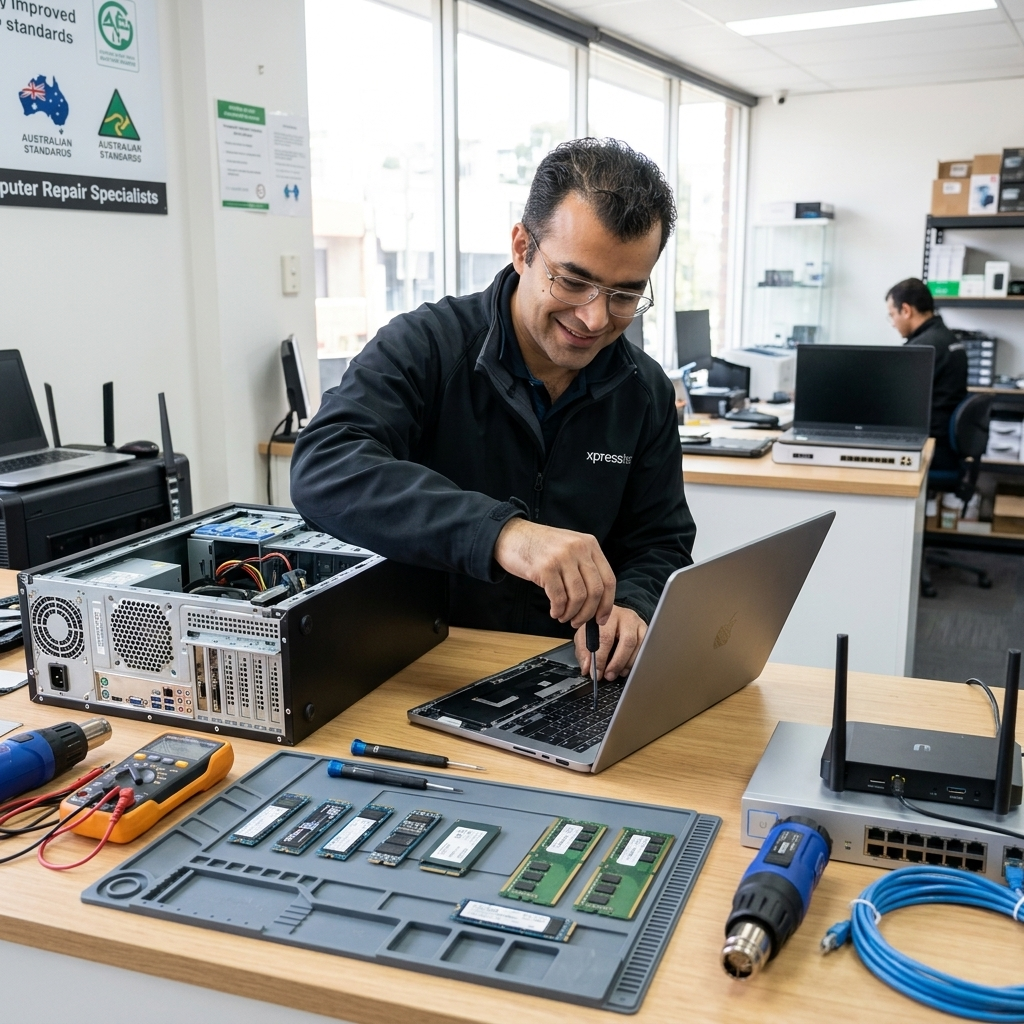
If you have ever Googled the question “How Much Does Computer Repair Cost?” for having your computer repair in Melbourne, you already know the frustrating truth: nobody gives you a straight answer.
You get vague ranges, generic disclaimers, and a whole lot of nothing useful. So let me fix that.
Computer repair costs in Melbourne depend on what is actually wrong with your device, how long it takes to fix, and whether parts are involved. At MR IT, we charge $187 per hour including GST. That is our flat hourly rate with no hidden fees added on top.
After years of repairing computers for home users and small businesses across Melbourne, here is the real breakdown of what things actually cost and what to watch out for before you hand your device to anyone.
Typical Computer Repair Costs in Melbourne
Most people want a ballpark before they call. Here is what common repair jobs actually cost in the real world:
- WiFi coverage issues: $200 to $300 plus parts
- Whole-home or office WiFi installs: $800 to $2,500 or more depending on size and number of access points
- Virus and malware removal: typically one to two hours labour
- Slow computer diagnosis and tune-up: one to two hours labour
- Hard drive replacement: labour plus cost of parts
- Data recovery: varies significantly depending on the severity of the failure
All of these are on top of or inclusive of our $187 per hour rate depending on the job. The first hour almost always tells us exactly what we are dealing with and what the full cost will be.
What Actually Affects the Cost of Computer Repair
The total cost of any repair comes down to four things:
- How long the diagnosis and fix takes
- Whether replacement parts are needed
- Whether data recovery is involved
- The age and condition of the device
Anyone quoting you a flat price before looking at the problem is guessing. A proper technician will diagnose first and give you a clear cost estimate before doing any further work.
The Most Common Repair Job We See and What It Costs
By far the most common issue we get called out for is poor WiFi coverage.
It affects home users and small business owners equally.
People assume their internet is slow when the real problem is that their WiFi signal does not reach properly.
For most homes and small offices, fixing WiFi coverage costs between $200 and $300 plus parts.
That usually covers the diagnosis, configuration, and installation of a better setup.
Larger properties cost more because they need more access points to get full coverage.
The labour per access point is roughly the same but the parts cost adds up quickly.
A Real Example: A Large Home in Essendon
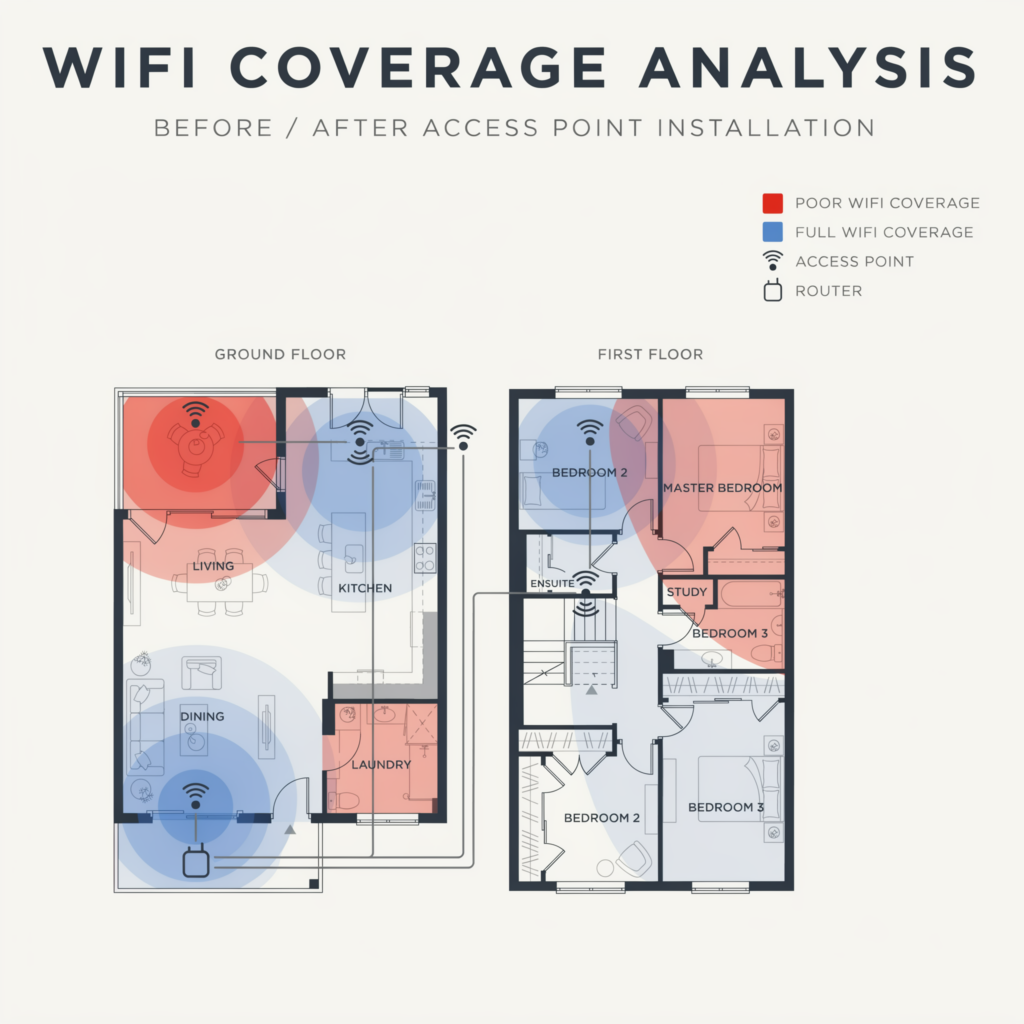
We were called out to a large home in Essendon where the owners had dead zones throughout the house.
The problem was clear within the first visit: one single router trying to cover a large two-storey property.
The solution was to install four WiFi access points, three downstairs and one upstairs, creating seamless coverage across the entire home. The total job came to $2,500.
That might sound like a lot, but the family had been putting up with constant dropouts for over a year.
Once it was done, everything just worked. That is what a proper fix looks like.
Is It Worth Repairing or Should You Just Replace It?
This is the first question I ask every client before I even look at the device. How old is it?
As a general rule, if your computer is more than four to five years old, it is usually not worth spending money to repair it.
Technology moves fast. By the time you pay for parts and labour on an older machine, you could often put that money toward a new device that will last you another five years with no problems.
Think of it this way: if your car needed a $4,000 engine repair and it was a 2005 model worth $3,000, you would not fix it.
Computers work the same way. At some point the repair cost outweighs the value of the machine.
There are exceptions. A simple software fix or a RAM upgrade on a four-year-old machine might make perfect sense.
But if the hard drive is failing on a six-year-old laptop, the honest advice is to replace it.
Hidden Costs That Can Blow Out Your Bill
The two biggest surprises clients get on their final bill are data recovery and hard drive replacement.
These are not always obvious upfront and they can significantly change the total cost of a job.
Data Recovery
If your hard drive has failed and you need your files back, data recovery is a separate service on top of the repair cost. The price varies depending on the severity of the failure. A logical failure where the drive is still physically intact is cheaper to recover than a drive that has physically failed.
This is why having a backup matters so much. If you have one, data recovery becomes a non-issue and the repair cost stays predictable. If you do not have a backup and the drive dies, you are looking at a much larger bill and no guarantee you will get everything back.
Hard Drive Failure on an Older Device
If the hard drive is the problem and the machine is older than four or five years, we will tell you straight: it is not worth fixing. A new hard drive plus labour on an ageing computer is money that would be better spent on a replacement.
The hard drive is one of the most common components to fail and it is often the first sign that a machine is reaching the end of its life. When we see this on an older device, our advice is always the same: do not throw good money after bad.
How We Handle Pricing and Unexpected Costs
Within the first hour of looking at a problem, I know exactly what is wrong and what it will cost to fix. I give clients a clear picture before any further work begins. There is no grey area.
If I make a mistake, I cover it. The client does not pay for my errors. That is just how it should work.
No surprises on the bill. No upselling. No padding hours. You pay for what was done and nothing more.
Getting a Quote From Someone Else? Here Is What to Ask
If you have been quoted a price somewhere else, do not just look at the number.
A cheap quote that leaves out half the work is not actually cheap. Ask these questions before you agree to anything:
- Does that price include data transfer if I need a new device?
- Does it include software reinstallation?
- What happens if the repair takes longer than expected?
- Is the cost of parts included or is that extra?
- What is your hourly rate if additional work is needed?
A quote that does not include data transfer or software setup can easily end up costing more than a higher quote that covers everything. Get clarity before you hand anything over.
The Real Cost of Trying to Fix It Yourself
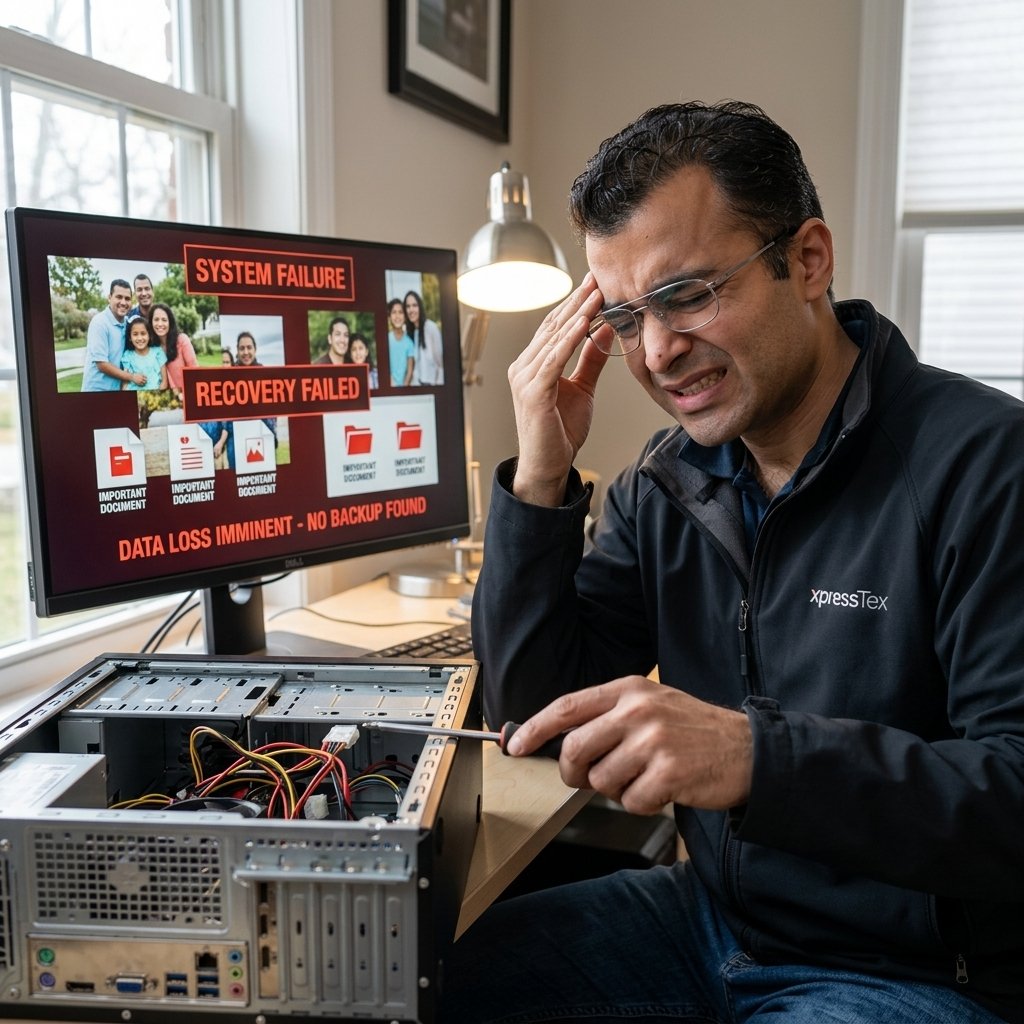
We have seen this more times than I can count. Someone tries to fix their computer themselves, something goes wrong, and they end up deleting everything without a backup.
What started as a minor fix becomes a data recovery job, which is one of the most expensive services we offer. In some cases the data is gone permanently. No amount of money can bring it back.
YouTube tutorials can be helpful but they cannot account for the specific state of your machine, your version of Windows, or the other software that might be installed. One wrong step and the situation goes from a one-hour job to a full rebuild.
If you are not completely sure what you are doing, call someone before you start.
The cost of a proper repair is almost always less than the cost of fixing a DIY job gone wrong.
Why Clients Choose MR IT
There are plenty of cheap repair shops in Melbourne. There are big box stores with in-house technicians. There are online services that will remote into your computer for a flat fee.
We are not trying to compete on price. We compete on one thing: empathy.
When you call us, you are not a ticket number. You are a person with a problem that is affecting your work, your family, or your business.
We take that seriously. We explain what is wrong in plain language.
We tell you honestly whether something is worth fixing. And we do not charge you for our mistakes.
That is the difference.
Quick Summary: What Computer Repair Costs in Melbourne
- Hourly rate at MR IT: $187 per hour inc GST
- WiFi coverage issues: $200 to $300 plus parts for most homes and offices
- Larger installs such as whole-home WiFi: can reach $2,500 or more depending on the property
- Device older than 4 to 5 years: usually better to replace than repair
- Data recovery: additional cost on top of repair, avoid it by keeping regular backups
- DIY repairs gone wrong: can significantly increase your total cost and risk permanent data loss
If you are not sure what is wrong with your computer or want an honest assessment before spending any money, give MR IT a call.
We will tell you exactly what you are dealing with and what it will cost to fix.
